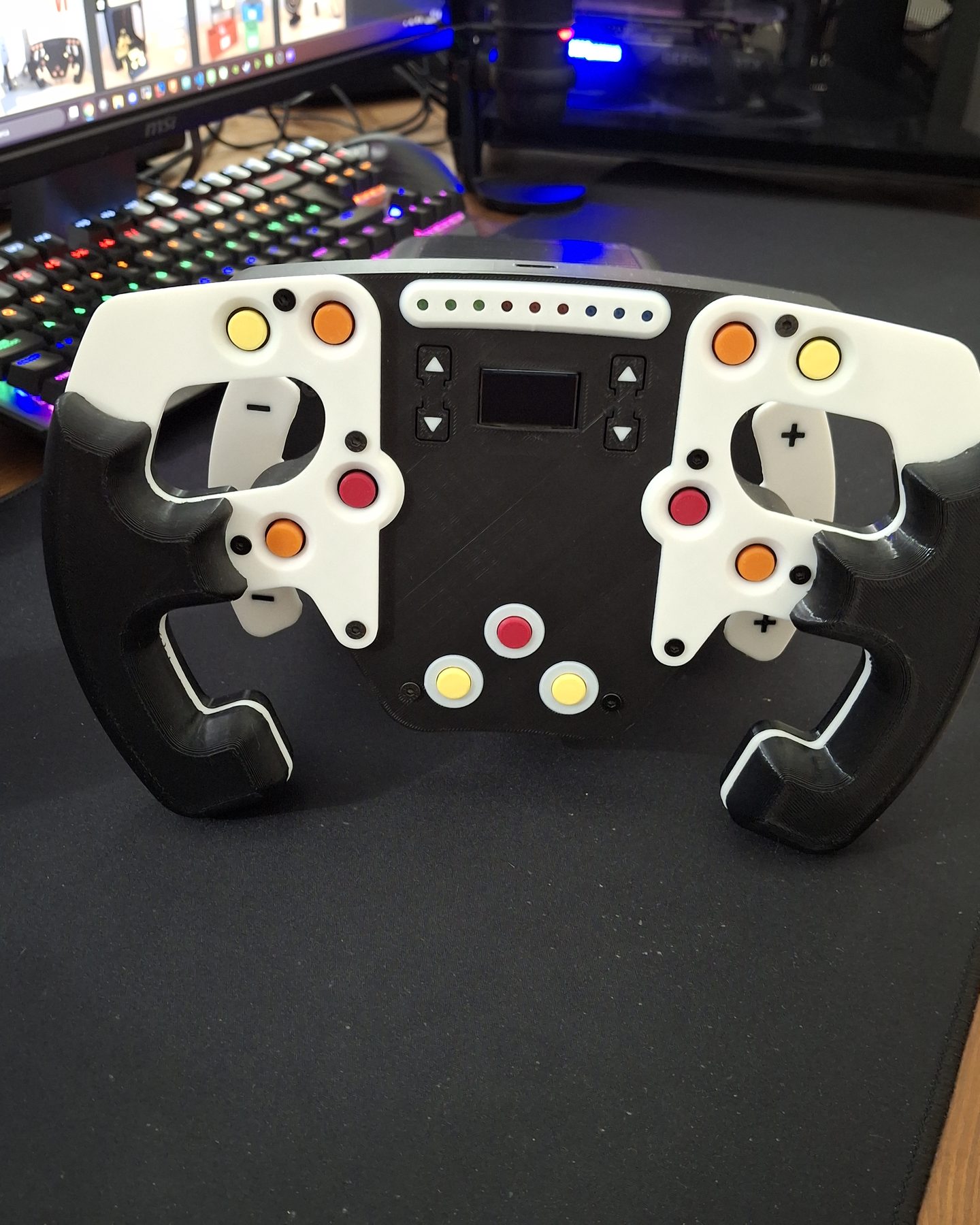
Front plate
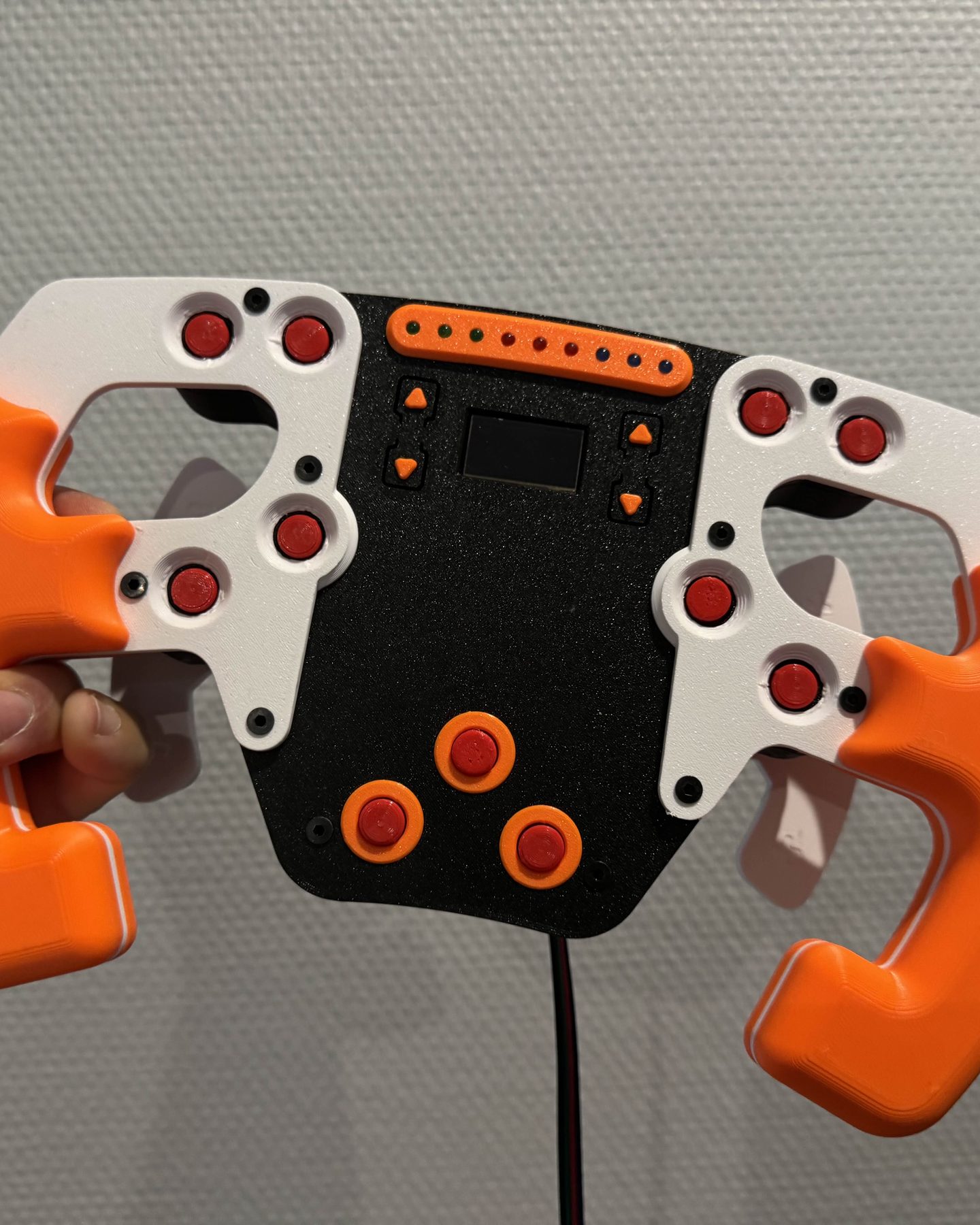
front_plateThe face of the wheel: it carries the buttons, the screen and the row of shift lights. Several front plates are available, and they swap without touching the rest.
MaterialPLA
2025
It started from a Formula 1 fan who found real simulators too expensive and the cheap ones lifeless. The PRO is built around one word, modular: the same files make a BUDGET rig with no force feedback, a MEDIUM one, or the FULL one with a DC motor in the base, and you move up later by printing only the parts that change. Funded on MakerWorld in 24 hours, the campaign closed in October 2025 with 752 backers and every stretch goal unlocked.
FilesSold as files: until the shop on this site opens, they are on Patreon. They include the bill of materials, the wiring diagrams, the PCB files and the extra modules; assembly needs basic soldering, with tutorials on YouTube.
Get the files on Patreonpatreon.com ↗Every printed part, with its function and print settings.
The face of the wheel: it carries the buttons, the screen and the row of shift lights. Several front plates are available, and they swap without touching the rest.
The front half of each grip, the part under the thumbs.
The back half of each grip, where the fingers wrap around.
Joins each grip to the body of the wheel.
Inside the wheel, behind the front plate: it holds the wheel electronics.
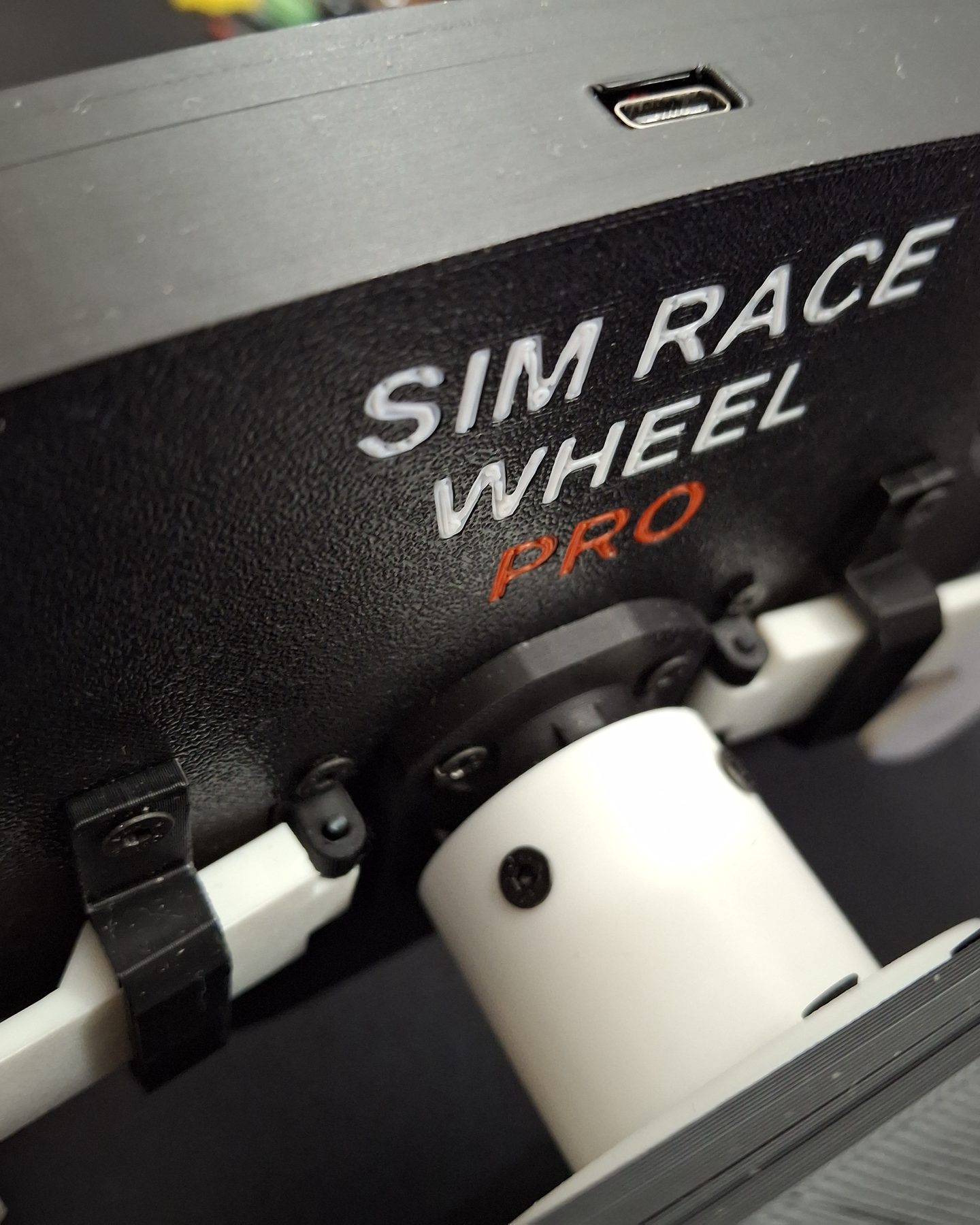
The hub at the back of the wheel, where it locks onto the shaft of the box.
The large printed buttons around the screen.
The coloured caps of the round buttons on the front plate.
Keeps the buttons at the right distance from the plate; it is printed in one piece, already assembled.
The small OLED in the middle of the wheel.
The two shift paddles behind the grips.
Hinges each paddle to the back of the wheel.
Holds the magnet that brings the paddle back after each shift.
The body of the box: in the FULL build it houses the DC motor, its controller, the rotation sensor and the fan.
Closes the box on the wheel side, around the shaft.
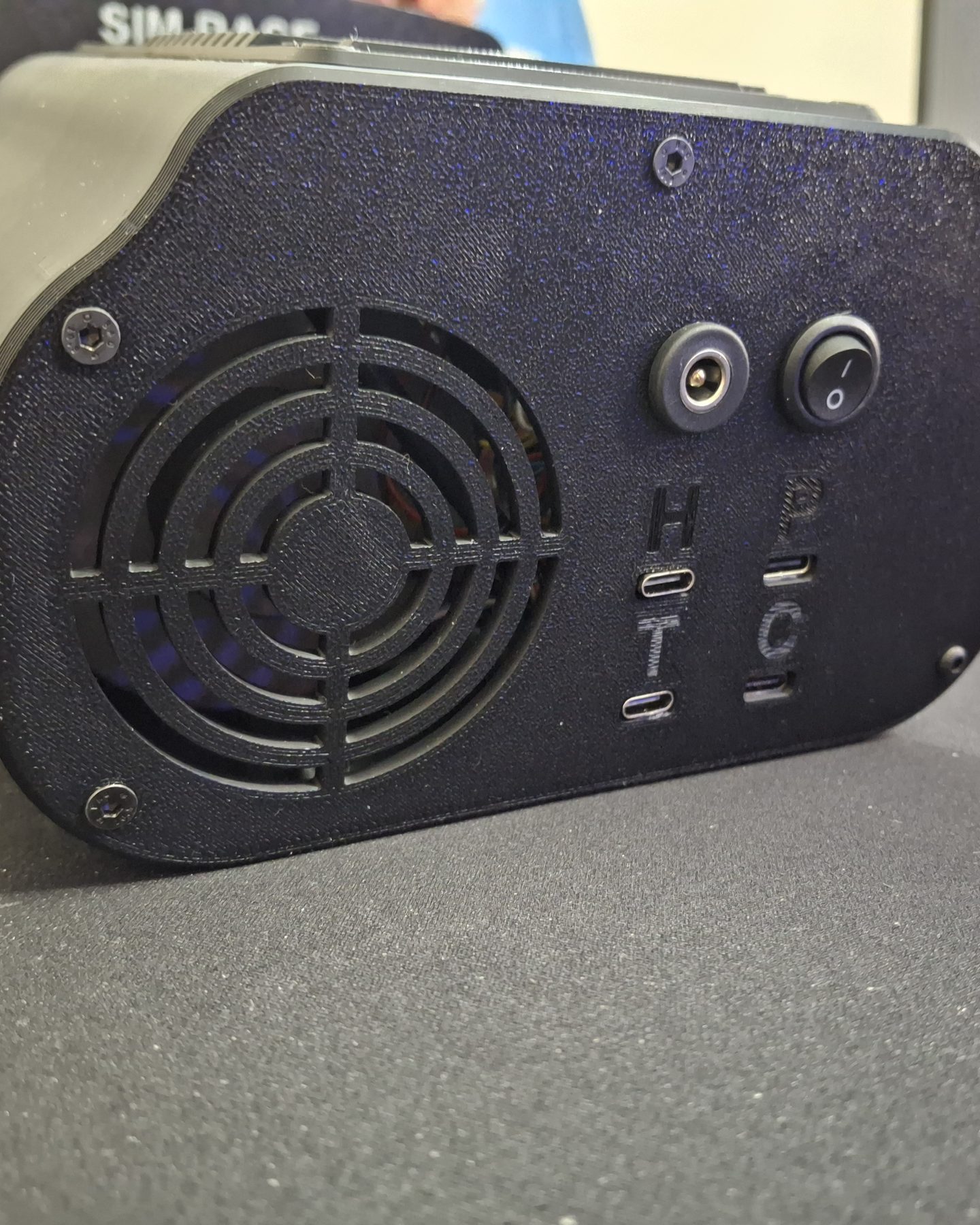
Closes the box at the back, with the fan grille and the connectors.
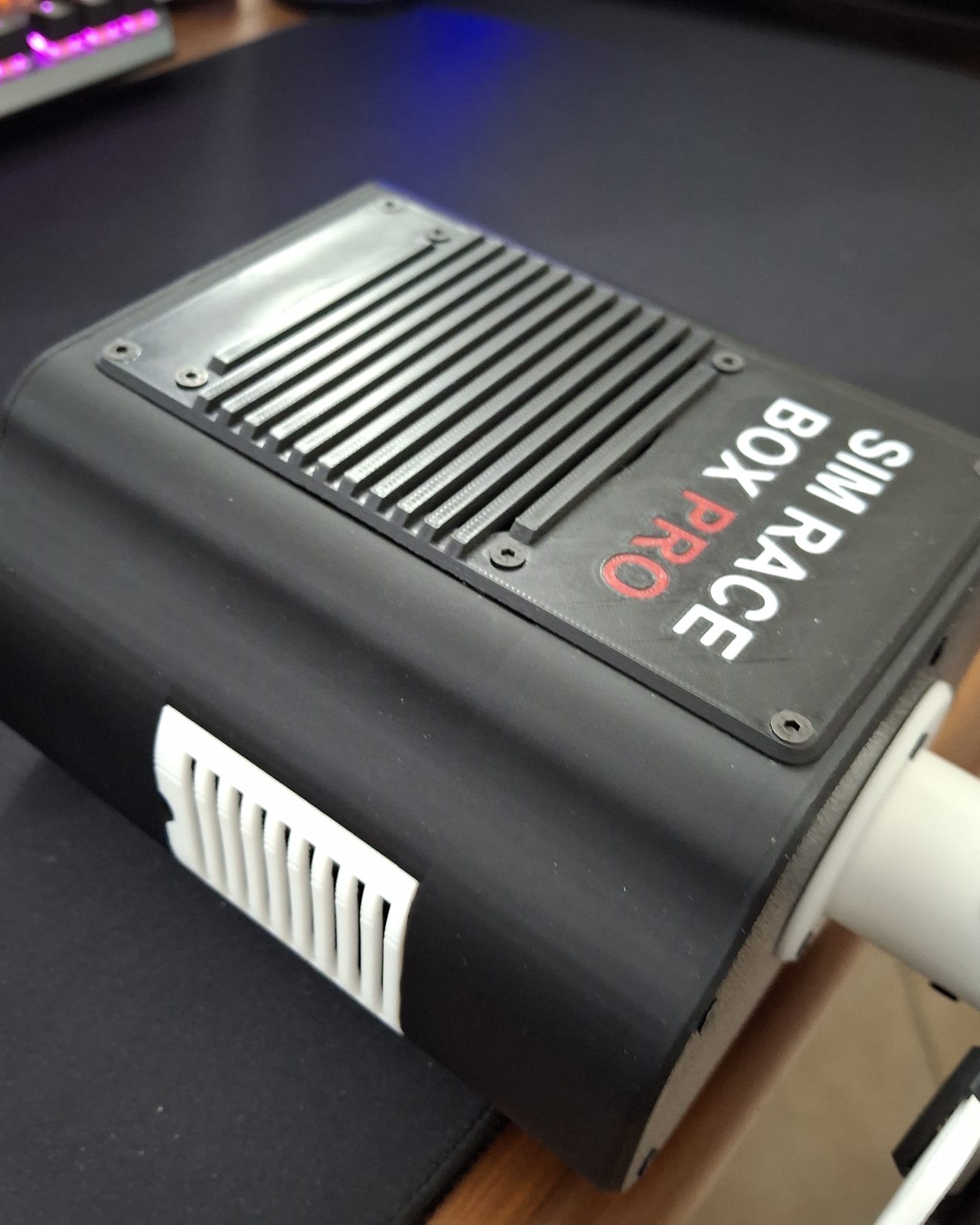
The top of the box, with the SIM Race Box PRO name and the vents.
The two sides of the box, with the air vents.
The back panel of the box.
The shaft that comes out of the box and carries the wheel: it is what the motor turns.
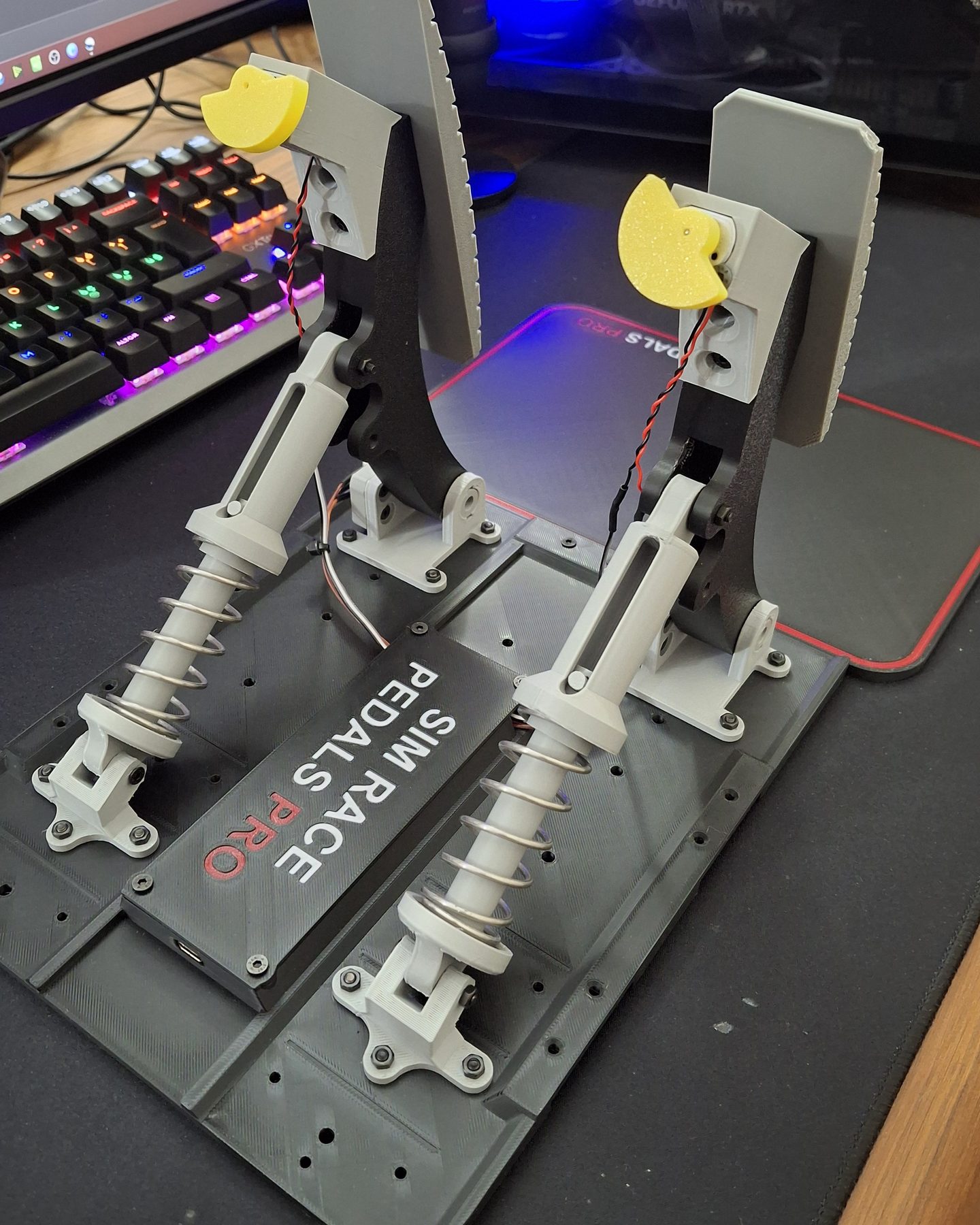
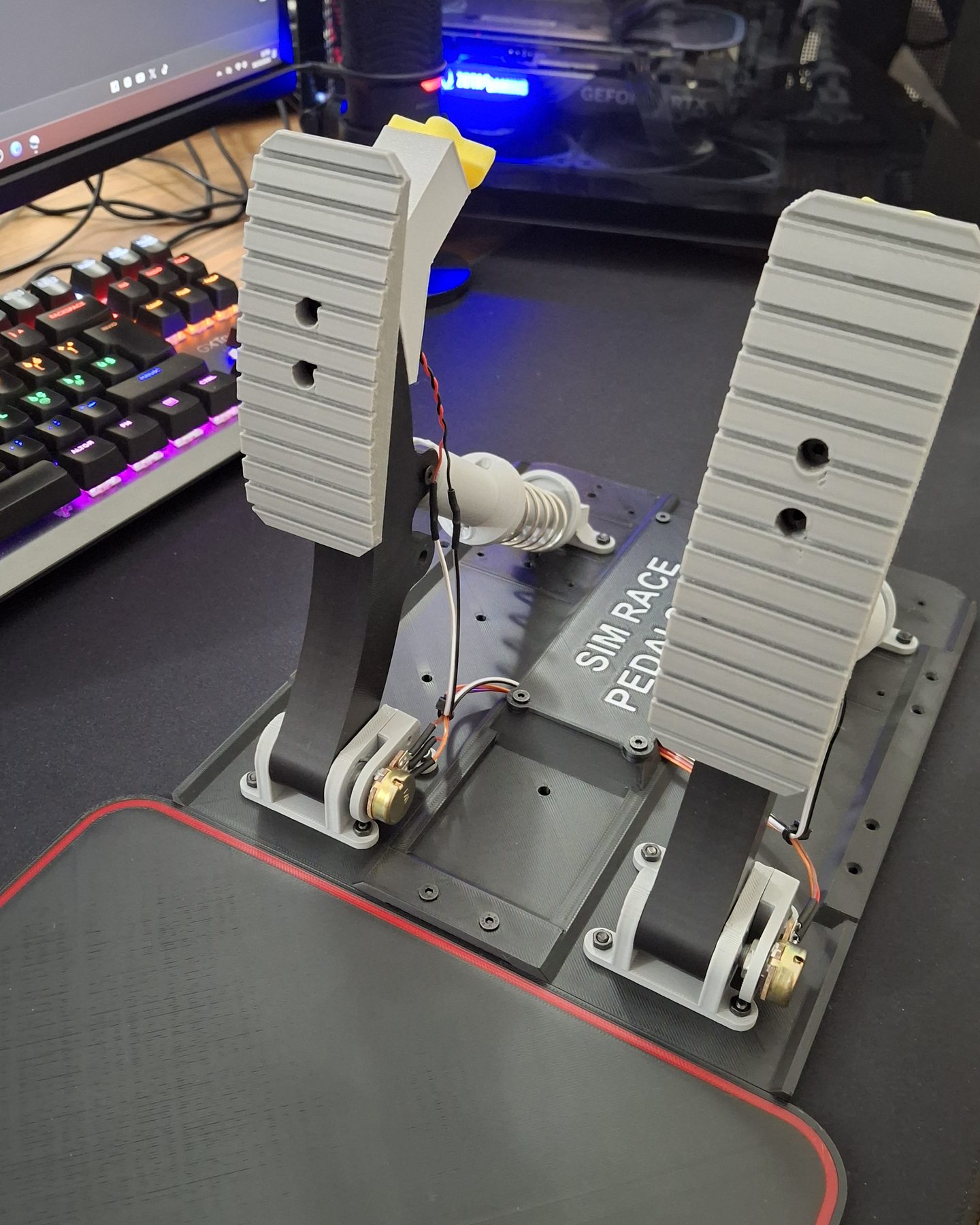
The plate the pedals are screwed to, with the SIM Race Pedals PRO name.
Extends the base for the third pedal.
Covers the electronics of the pedals and carries the connector to the box.
The feet under the base, so the pedals do not slide on the floor.
The hinge of each pedal, screwed to the base.
The pedal arm, with the plate you press. The pedals can be two or three: throttle, brake and clutch.
The bracket that holds the bottom of the piston.
The axle each pedal turns on.
The body of the piston that gives each pedal its resistance.
The seat of the spring on the piston.
Stops the piston at the end of its travel. An updated version, from October 2025, keeps it from coming off after long use.
The spring on each piston: it pushes the pedal back.
Holds the small motor of the pedal vibration system, which shakes the pedal on kerbs and when ABS kicks in.
Electronics
Two Arduino Nano, one in the wheel and one in the base, talking over a serial link. The base is what changes between versions: BUDGET reads the wheel with a potentiometer and has no force feedback; FULL adds a DC motor with its controller, a high-resolution rotation sensor and a fan in the box, and clamps to the desk to take the load. The wheel carries the buttons, an OLED and shift lights; the pedals read three potentiometers and, since the pedal vibration stretch goal, drive small motors that shake on kerbs. The handbrake module is a spring and a button; the manual shifter is two crossed potentiometers, like a large joystick. A custom PCB for wheel and box, unlocked in the campaign, cuts the wiring time by more than half and fixes the pins once and for all.
Software
To the PC the rig is a virtual Xbox 360 controller, so any game that takes a gamepad works. The force feedback started as a proportional spring; with the campaign it became telemetry-driven, and version 3.2 (August 2026, written by a backer and published on GitHub with the firmware) reads the game directly: centring force with adjustable angles and curve, lateral-G load, separate ABS and traction-control pulses, surface rumble on wheel and pedals — fifteen live parameters, no restart. Games are detected automatically, from Assetto Corsa and iRacing to F1, Forza, DiRT and BeamNG; the rest still get steering resistance and the gamepad. Two wizards learn the wiring and map the buttons, hardware profiles for the three builds live in the base's memory, and a wiring mistake is fixed in software rather than with the soldering iron. Windows only.
Video
The video loads from YouTube (Google) only when you press play. Watch it on YouTube ↗
The wheel put together step by step: the printed frame, the buttons and paddles, the OLED and the electronics inside, until it is ready to mount on the base.